MS-DOS History: The Complete Evolution of Microsoft Disk Operating System (1981–2000)
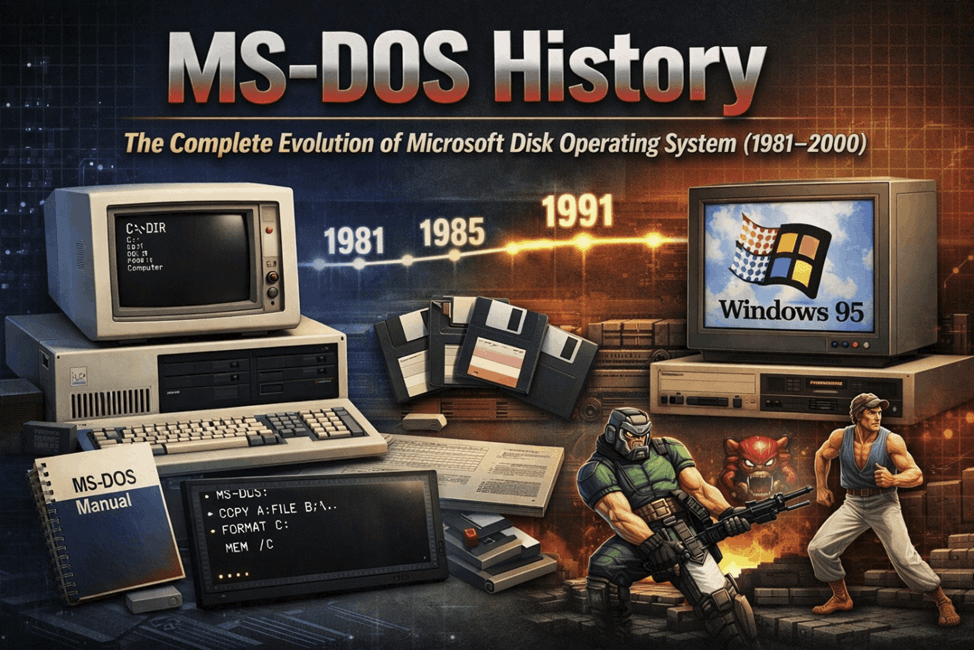
MS-DOS (Microsoft Disk Operating System) is one of the most influential operating systems in computer history. Long before modern graphical systems like Microsoft Windows and macOS, MS-DOS powered the early generation of personal computers and laid the foundation for modern PC software.
Developed by Microsoft in the early 1980s, MS-DOS became the standard operating system for the IBM Personal Computer and its compatible machines. It introduced millions of users to command-line computing, file management, and early PC applications.
At its peak, MS-DOS ran on nearly every IBM-compatible PC worldwide and became the backbone of personal computing during the 1980s and early 1990s.
This article explores the complete history of MS-DOS, including its origins, major versions, features, influence on computing, and eventual decline.
The Origins of MS-DOS
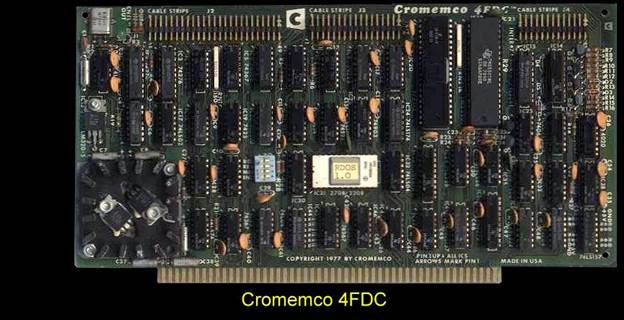
IBM needed an operating system for its new machine, the IBM PC 5150. Initially, IBM approached Digital Research, creators of the CP/M operating system, but negotiations did not lead to a deal.
Instead, IBM turned to Microsoft.
At that time, Microsoft did not have its own operating system. To solve the problem quickly, Microsoft purchased an existing system called QDOS (Quick and Dirty Operating System) from Seattle Computer Products.
QDOS was originally created by engineer Tim Paterson and designed to run on Intel’s 16-bit processors such as the Intel 8086.
Microsoft acquired the rights to QDOS in 1981, modified and improved it, and released it as MS-DOS 1.0.
IBM shipped the operating system with the IBM PC under the name PC-DOS, while Microsoft licensed MS-DOS to other PC manufacturers. This licensing strategy would later help Microsoft dominate the PC software market.
MS-DOS 1.0 and the Early Years (1981–1983)
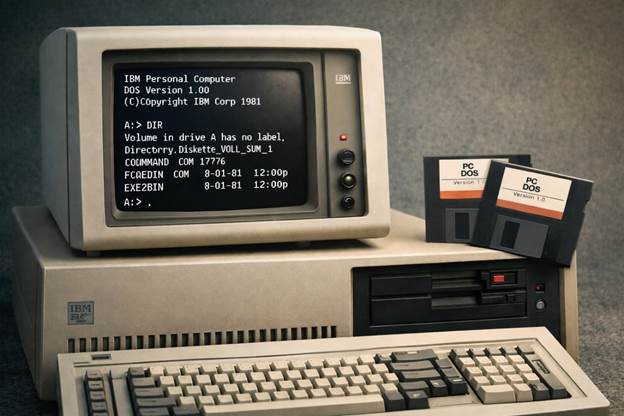
The first version, MS-DOS 1.0, launched in 1981 alongside the IBM PC.
Key characteristics included:
- Single-tasking operating system
- Command-line interface (CLI)
- Basic file management commands
- Support for floppy disk drives
Users interacted with the system through commands typed at a prompt:
C:>
Common commands included:
- DIR – list files
- COPY – copy files
- DEL – delete files
- FORMAT – prepare disks
Although extremely simple compared to modern operating systems, MS-DOS provided the tools needed to run early PC software such as:
- Lotus 1-2-3
- WordStar
- dBASE
These applications helped transform the IBM PC into a powerful business machine.
Growth and Popularity of MS-DOS (1983–1988)
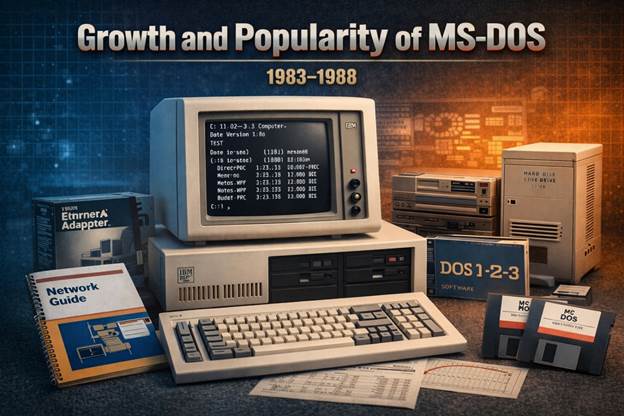
During the mid-1980s, MS-DOS evolved rapidly as personal computers became more powerful.
Key improvements included:
MS-DOS 2.0 (1983)
Major advancements included:
- Support for hard disk drives
- Hierarchical directory structure
- File redirection and piping
This version significantly improved usability and made DOS more flexible.
MS-DOS 3.x (1984–1987)
With the launch of the IBM PC AT, MS-DOS received additional improvements:
- Network support
- Larger hard-disk compatibility
- Performance improvements
By the late 1980s, MS-DOS had become the dominant PC operating system worldwide.
The Golden Era of DOS Software
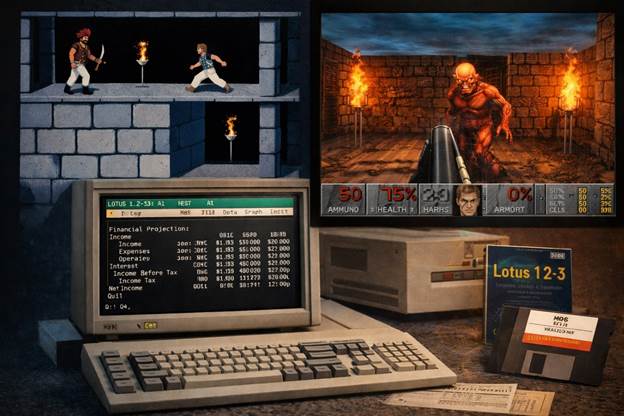
The late 1980s and early 1990s represented the golden era of DOS software.
Thousands of programs were developed for MS-DOS, including productivity tools and legendary video games.
Popular DOS applications included:
- Doom
- Prince of Persia
- Turbo Pascal
- Lotus 1-2-3
DOS games became famous for pushing hardware to its limits. Developers wrote highly optimized code to maximize performance on limited systems.
Because DOS provided direct hardware access, games often ran faster than on later operating systems.
MS-DOS 5.0 and the Rise of PC Power
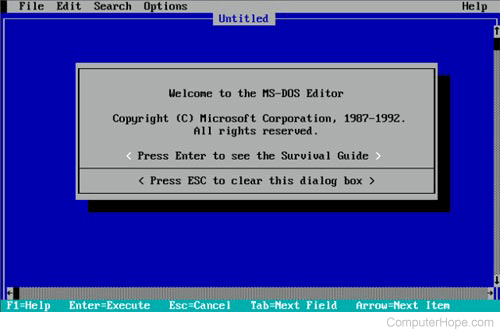
Released in 1991, MS-DOS 5.0 was one of the most popular versions.
Key features included:
- Improved memory management
- Built-in text editor (EDIT)
- Disk utilities
- Better support for larger hard drives
The introduction of HIMEM.SYS allowed DOS to access extended memory, helping programs run more efficiently.
MS-DOS 5.0 quickly became the standard operating system for PCs during the early 1990s.
MS-DOS 6.x: The Final Major Versions
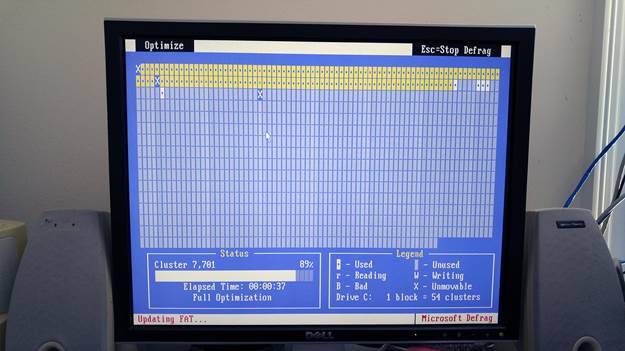
The MS-DOS 6.x series, released between 1993 and 1994, represented the final major standalone DOS versions.
Important tools included:
- Scandisk – disk error checking
- Defrag – disk optimization
- Disk compression utilities
The final widely used release was MS-DOS 6.22, which became extremely popular with PC users and businesses.
Even decades later, many retro-computing enthusiasts still use DOS 6.22.
The Transition to Windows
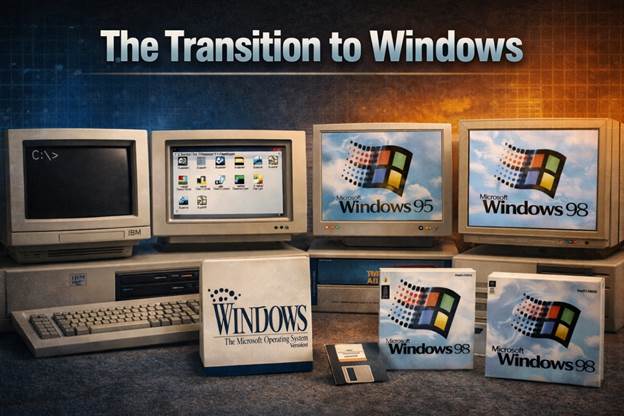
Although MS-DOS dominated the PC market for years, the rise of graphical interfaces eventually changed the industry.
Early versions of Windows 3.1 actually ran on top of MS-DOS.
Later versions like:
- Windows 95
- Windows 98
still relied on DOS internally, but provided a graphical desktop interface.
Eventually, Microsoft moved away from DOS entirely with:
- Windows NT
- Windows 2000
These operating systems used a completely new architecture.
The Legacy of MS-DOS
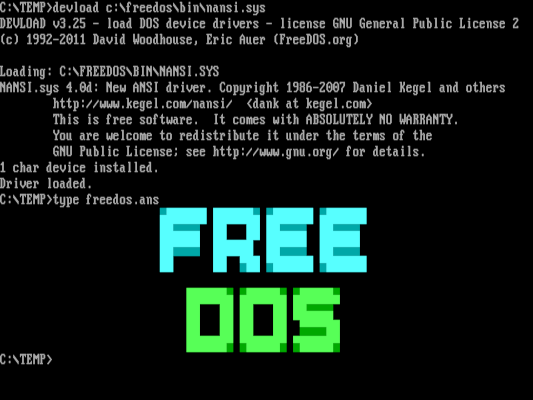
Even though MS-DOS is no longer widely used, its legacy remains significant.
Modern tools like:
- DOSBox
- FreeDOS
allow users to run classic DOS software on modern computers.
Many command-line concepts introduced by DOS still exist today in systems like:
- Windows PowerShell
- Linux shells
MS-DOS helped define how users interact with computers and played a crucial role in the rise of the PC industry.
MS-DOS Version Timeline
| Version | Release Year | Major Improvements |
| MS-DOS 1.0 | 1981 | First IBM PC operating system |
| MS-DOS 2.0 | 1983 | Directories and hard disk support |
| MS-DOS 3.x | 1984–1987 | Networking and larger storage |
| MS-DOS 5.0 | 1991 | Memory management improvements |
| MS-DOS 6.x | 1993–1994 | Disk utilities and compression |
| MS-DOS 7.x | 1995–1998 | Integrated with Windows 95/98 |