10 Best Backup Tools in 2026 – Complete Guide to Data Protection
In today’s digital world, data is more valuable than ever. From personal memories to business-critical files, losing data can be devastating. Whether you are using Windows, Linux, or MacOS, having a reliable backup system is no longer optional—it is essential. This guide will explain everything you need to know about backups and present the best tools available in 2026.
What is Data Backup and How It Works
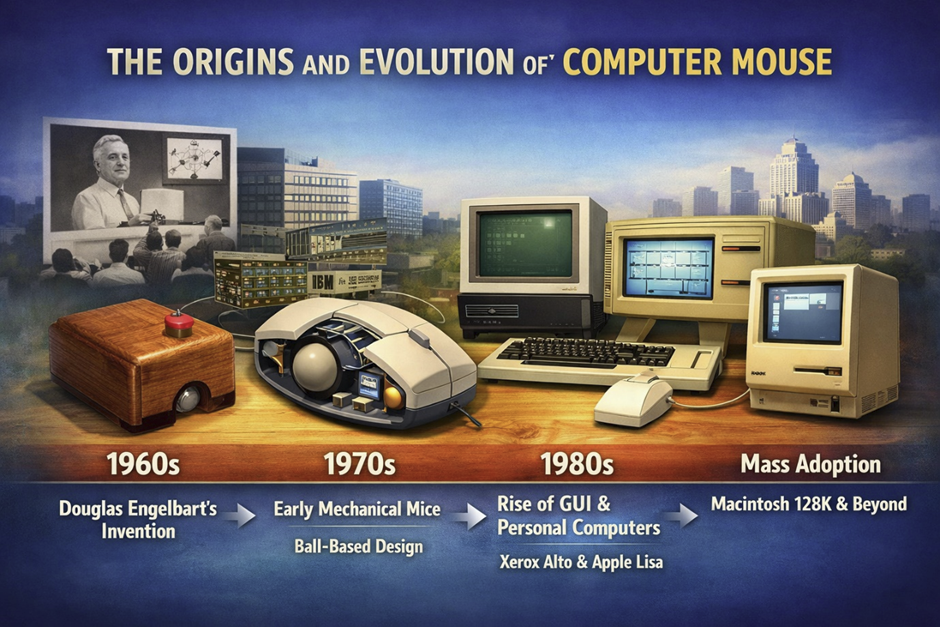
Data backup is the process of creating copies of your important files and storing them in a secure location so they can be restored if lost. This process has evolved significantly since the early days of floppy disks used in the 1980s by companies like IBM. Today, backups can be stored locally on devices like external drives or remotely in the cloud.
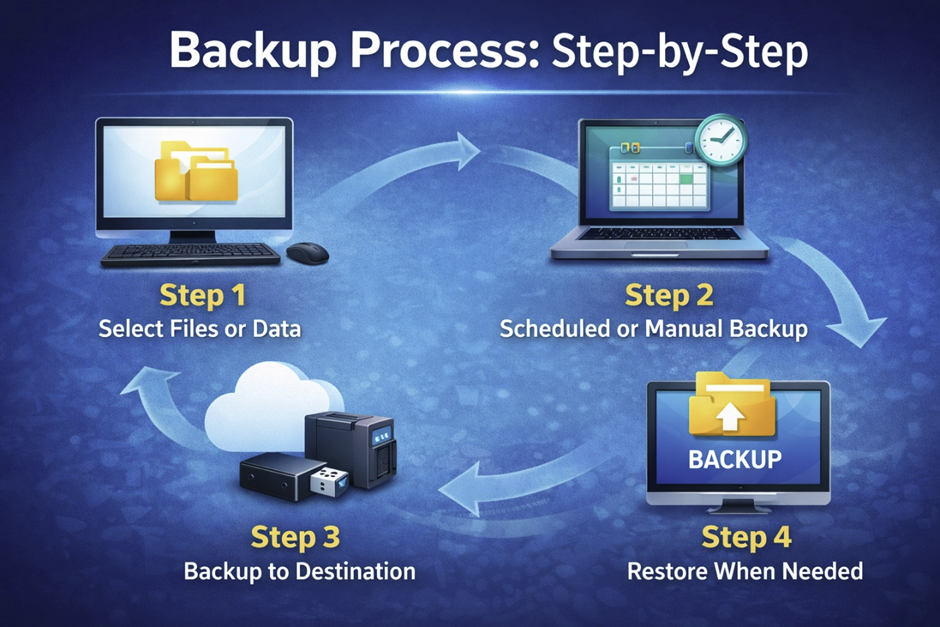
Modern backup systems are designed to automatically copy data at scheduled intervals. This ensures that even if your system fails, your latest files are safe. Backup tools often use compression techniques to reduce storage size and optimize performance, especially when handling large files.
Backup solutions also integrate encryption and password protection to secure sensitive information. Many platforms now use artificial Intelligence to detect unusual changes in files, helping prevent corruption or attacks. This is particularly important as cyber threats like trojan malware and virus attacks continue to evolve.
The importance of backup has increased with the rise of web development, remote work, and digital services. Developers using Python or managing servers through system administration rely heavily on backups to avoid data loss.
Backup systems typically work by scanning selected files or entire systems, copying them, and storing them in another location. These can include physical devices like USB drives or remote servers managed by companies like Google or Microsoft.
Without backup, even a minor issue like accidental deletion or a damaged CPU system could lead to irreversible data loss. That is why understanding backup fundamentals is critical in 2026.
Why Data Backup is Essential in 2026
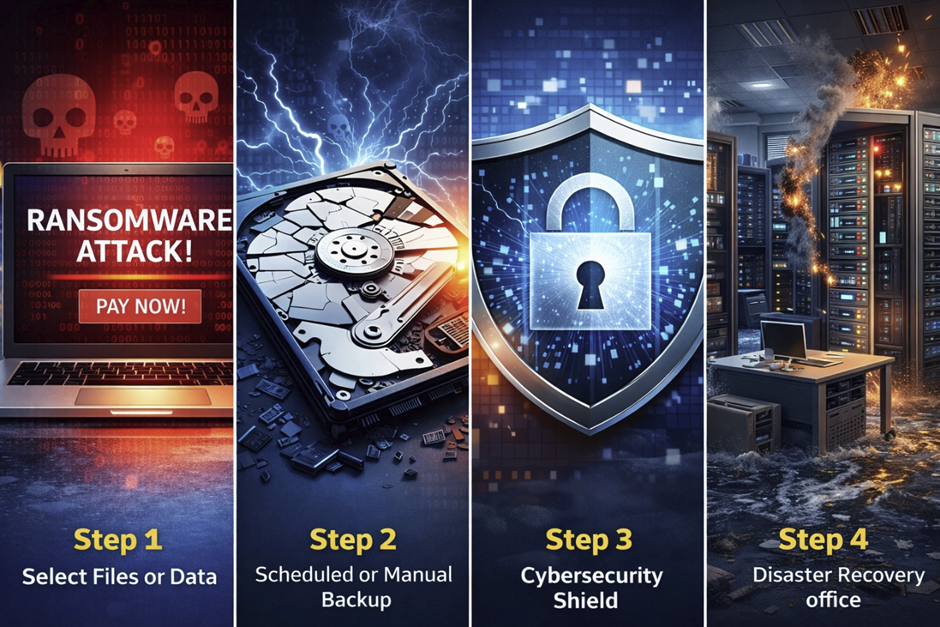
Data backup is no longer just a precaution—it is a necessity. In 2026, cyber threats have become more advanced, targeting both individuals and businesses. Attacks such as ransomware can encrypt your data and demand payment, making backups your only reliable recovery option.
Hardware failures remain one of the most common causes of data loss. Even modern SSD (solid-state drives) and traditional HDD (hard disk drives) can fail unexpectedly. Companies like Samsung and Sony manufacture high-quality storage devices, but no hardware is completely immune to failure.
Another major risk is human error. Accidental deletion, formatting mistakes, or overwriting files can happen at any time. Without backup, recovering these files can be nearly impossible.
Natural disasters such as floods, fires, and earthquakes can destroy physical devices. Storing backups in multiple locations ensures data safety even in extreme situations.
For businesses, downtime caused by data loss can result in financial loss and reputational damage. Organizations using platforms like Oracle databases or enterprise systems from HP depend on continuous data availability.
Backup also plays a crucial role in regulatory compliance. Many industries require data retention and protection policies, making backup solutions legally necessary.
In summary, data backup is your safety net in an increasingly digital and risky environment.
Key Backup Strategies Everyone Should Follow
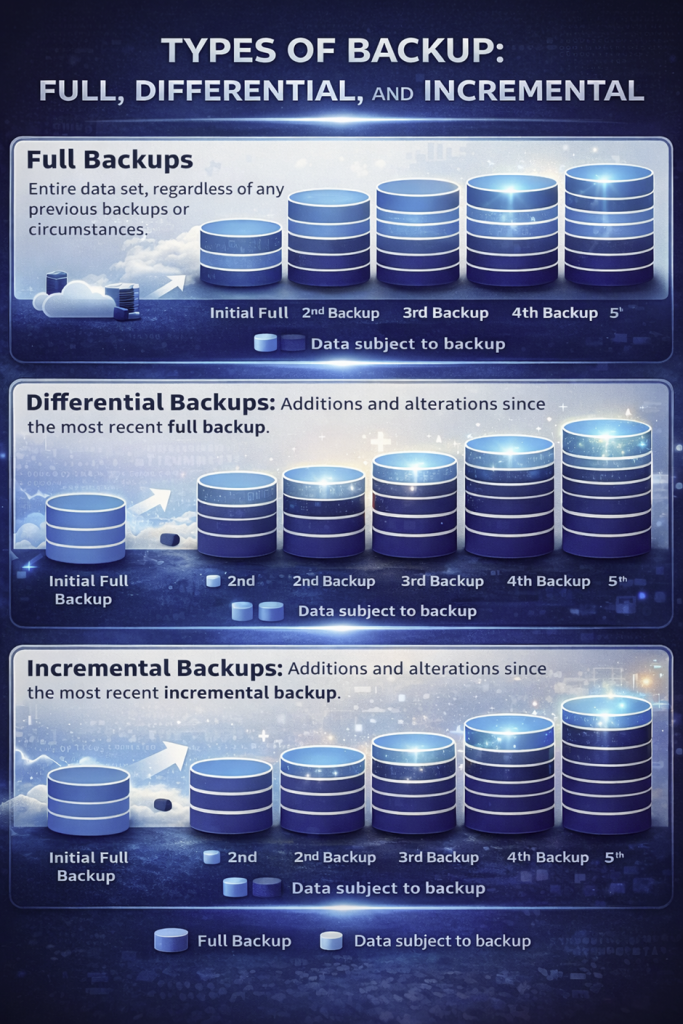
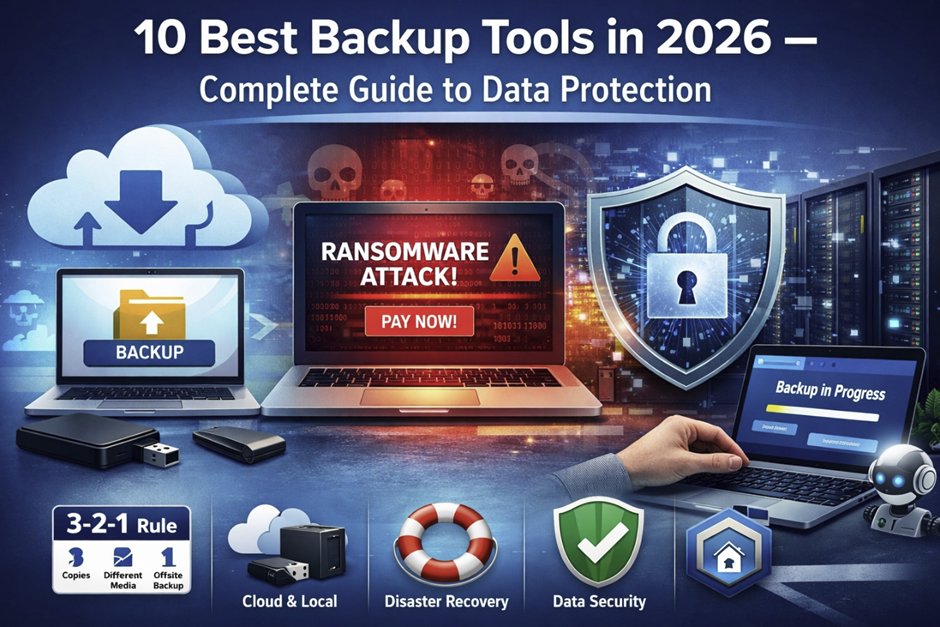
A proper backup strategy ensures your data remains safe under all circumstances. One of the most widely recommended methods is the 3-2-1 backup rule. This strategy suggests keeping three copies of your data, stored on two different types of media, with one copy stored offsite.
There are several types of backups, including full, incremental, and differential backups. Full backups copy all data, while incremental backups only store changes since the last backup. Differential backups capture changes since the last full backup.
Automation is another critical factor. Modern tools allow users to schedule backups, ensuring consistency without manual intervention. This is especially useful for users who frequently upload files or work with dynamic data.
Cloud-based backups offer flexibility and remote access. You can access your files from any device, including Android smartphones or laptops. Local backups, on the other hand, provide faster recovery speeds.
Hybrid backup solutions combine the benefits of both cloud and local storage. This ensures maximum reliability and redundancy.
Security should always be a priority. Backup data should be encrypted and protected with a strong password to prevent unauthorized access.
Testing your backups regularly is also essential. A backup is useless if it cannot be restored properly when needed.
Features to Look for in Backup Software
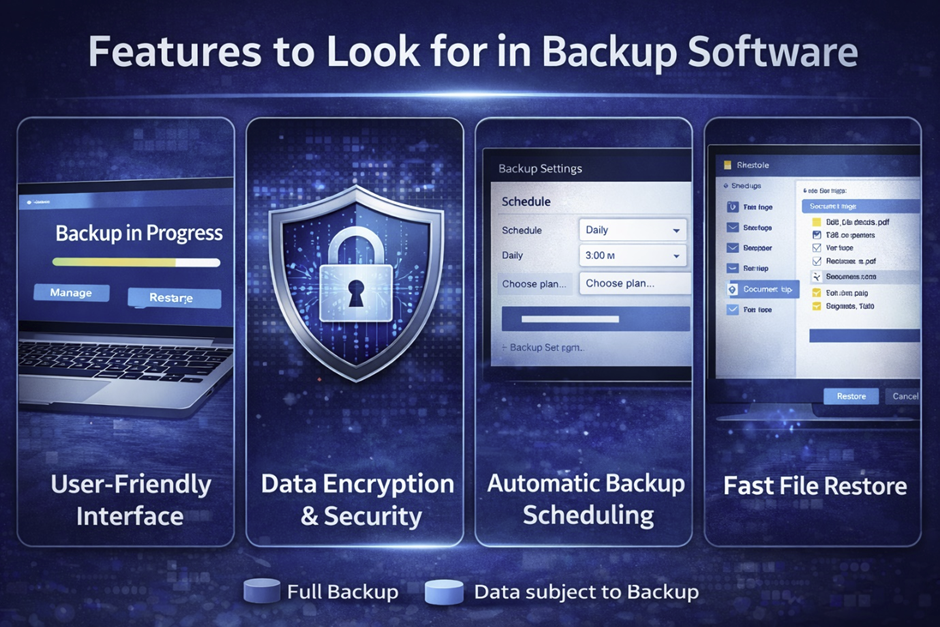
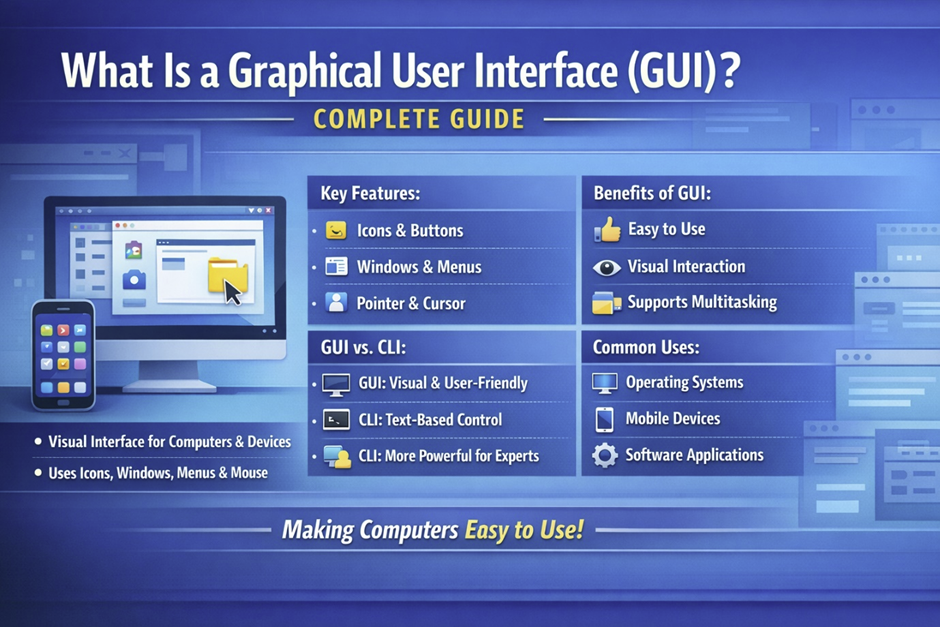
Choosing the right backup software depends on several key features. One of the most important aspects is ease of use. A clean user interface or intuitive GUI ensures that even beginners can manage backups efficiently. Security features such as encryption and ransomware protection are essential. Backup tools should be able to detect and block threats before they affect stored data. Compatibility is another critical factor. The software should support multiple operating systems, including Windows, Linux, and mobile platforms. Backup flexibility is also important. The ability to perform full system backups, file-level backups, and disk imaging gives users more control over their data. Speed and performance matter, especially when dealing with large datasets. Efficient tools optimize resource usage, including ram and system processors, to ensure smooth operation. Restore capabilities should be fast and reliable. A good backup tool allows users to quickly recover files or entire systems. Finally, integration with cloud services and third-party tools enhances functionality, making backup software more versatile.
Top 10 Best Backup Tools in 2026 (Detailed Review)
1. EaseUS Todo Backup
EaseUS Todo Backup remains one of the most popular tools in 2026 due to its balance of features and usability. It provides both free and premium versions, making it accessible to a wide range of users. The software supports full system backups, disk cloning, and file-level backups. It is especially useful for home users who need reliable protection without complex setup. The interface is simple and intuitive, making navigation easy even for beginners. It also includes scheduling features for automatic backups. Security features include encryption and protection against ransomware. The tool supports backup to local drives, network storage, and cloud services. Overall, it is considered one of the best all-in-one backup solutions.
EaseUS has evolved significantly since its early releases in the 2010s, adapting to modern storage technologies like SSD and hybrid environments. It performs efficiently even when handling large files, thanks to smart compression algorithms. The restore process is quick and user-friendly, allowing even non-technical users to recover data without complications. It also supports bootable media creation, which is useful for system recovery after crashes. For users working in Windows environments, it integrates seamlessly without performance issues. Many IT professionals recommend it for small business setups due to its reliability. Additionally, its scheduling automation reduces manual effort and ensures consistent backups.
Pros & Cons Table
| Pros | Cons |
| Easy to use interface | Limited features in free version |
| Supports full system backup | Cloud storage is limited |
| Fast backup and restore | Advanced features require upgrade |
| Strong security features | Not ideal for enterprise use |
2. Acronis True Image
Acronis True Image is known for its advanced security features and comprehensive backup capabilities. It combines backup and cybersecurity in a single platform. The software includes anti-malware and anti-ransomware protection. It supports full disk imaging and cloud backups. Acronis also offers real-time backup capabilities. The interface is modern and user-friendly. It is suitable for both individuals and businesses. The software integrates well with various platforms. Performance is optimized for speed and efficiency. It is a premium solution with powerful features.
Originally developed in 2003, Acronis has become a global leader in backup technology. Its integration with antivirus systems provides extra protection against modern cyber threats like trojan attacks. The software also uses blockchain-based data authentication, ensuring data integrity. It supports cross-platform backups including MacOS and mobile devices. Businesses benefit from its disaster recovery tools and centralized management system. Acronis also provides cloud storage hosted in secure data centers worldwide. Its AI-based threat detection makes it one of the most advanced tools available today.
Pros & Cons Table
| Pros | Cons |
| Advanced security features | Expensive pricing |
| Real-time backup | Resource heavy |
| Cross-platform support | Complex for beginners |
| Integrated cybersecurity | Requires subscription |
3. AOMEI Backupper
AOMEI Backupper is a reliable and affordable backup solution. It offers a free version with essential features. The software supports system backup, disk cloning, and file synchronization. It is ideal for beginners due to its simple design. Backup scheduling and automation are included. The tool ensures data integrity during backup processes. It supports multiple storage options. Performance is efficient even on older systems. It is a great choice for personal use. Overall, it provides excellent value for money.
Founded in 2010, AOMEI has gained popularity among budget-conscious users. It performs well on low-end systems with limited ram, making it accessible for older computers. The software supports incremental and differential backups for efficient storage usage. It also allows users to create bootable recovery media. Compatibility with both HDD and SSD storage makes it versatile. Users appreciate its clean layout and minimal learning curve. It is widely used by students and freelancers who need basic backup solutions.
Pros & Cons Table
| Pros | Cons |
| Free version available | Limited advanced features |
| Lightweight software | Slower backup speed |
| Easy for beginners | No advanced security tools |
| Good performance | Limited cloud integration |
4. IDrive
IDrive is a leading cloud backup service known for its affordability and performance. It allows users to back up multiple devices under one account. The service offers fast upload speeds and secure storage. Data is encrypted for maximum security. It supports both personal and business use. IDrive also provides versioning and file recovery options. The interface is straightforward and easy to use. It integrates with various platforms. It is one of the best options for cloud-based backups. Overall, it offers great flexibility.
Founded in 1995, IDrive has decades of experience in cloud storage. It supports backup from smartphones including Android devices. Users can easily upload files and manage them remotely. The platform is optimized for handling large datasets efficiently. It also offers physical data transfer services for faster backups. IDrive ensures compliance with global data protection standards. Its multi-device support makes it ideal for families and businesses.
Pros & Cons Table
| Pros | Cons |
| Affordable pricing | Limited free storage |
| Multi-device support | Interface could improve |
| Strong encryption | Slower initial backup |
| Cloud-based flexibility | Internet dependent |
5. Veeam Backup & Replication
Veeam is widely used in enterprise environments. It provides advanced backup and disaster recovery solutions. The software supports virtual machines and cloud infrastructure. It is highly reliable and scalable. Businesses rely on Veeam for critical data protection. It offers fast recovery options. The interface is designed for professionals. Integration with enterprise systems is seamless. It ensures high availability of data. It is one of the top enterprise backup tools.
Founded in 2006, Veeam has become a leader in enterprise backup solutions. It is widely used by corporations managing large-scale IT infrastructures. The software supports virtualization platforms like VMware and Hyper-V. It integrates with cloud providers and hybrid environments. System administrators prefer it for its automation capabilities. It also provides detailed analytics and monitoring tools. Veeam ensures minimal downtime during data recovery.
Pros & Cons Table
| Pros | Cons |
| Enterprise-level features | Expensive |
| High scalability | Complex setup |
| Fast recovery | Not for beginners |
| Strong integration | Requires expertise |
6. Microsoft Azure Backup
Microsoft Azure Backup is a cloud-based solution integrated with Microsoft services. It provides scalable and secure backup options. The service is ideal for businesses using Microsoft infrastructure. It supports hybrid environments. Data is protected with strong encryption. It offers automated backup scheduling. The interface is integrated with Azure dashboards. It ensures compliance with industry standards. It is a powerful enterprise-grade solution. Overall, it is best for cloud integration.
Launched by Microsoft as part of Azure cloud services, it has grown rapidly since 2010. It integrates seamlessly with Windows Server and enterprise tools. Businesses benefit from its global data centers. It supports backup for databases, virtual machines, and applications. Azure Backup ensures compliance with regulations like GDPR. It is widely used by organizations worldwide. Its scalability makes it suitable for growing businesses.
Pros & Cons Table
| Pros | Cons |
| Scalable cloud solution | Requires Azure knowledge |
| Strong security | Pricing complexity |
| Enterprise integration | Internet dependency |
| Automated backups | Not beginner-friendly |
7. Restic
Restic is an open-source backup tool known for its speed and security. It uses encryption to protect data. The software is lightweight and efficient. It supports multiple platforms. It is ideal for developers and advanced users. Backup processes are fast and reliable. It integrates well with cloud storage. The command-line interface provides flexibility. It is suitable for automation and scripting. Overall, it is a powerful open-source solution.
Released in 2015, Restic gained popularity among developers. It is widely used in programming and server environments. It supports scripting and automation using tools like Python. The software is efficient in resource usage. It works well on Linux-based systems. Developers prefer it for its transparency and security. It is ideal for advanced users who prefer customization.
Pros & Cons Table
| Pros | Cons |
| Open-source and free | Command-line only |
| Strong encryption | Not beginner-friendly |
| Lightweight | No GUI |
| Highly customizable | Requires technical skills |
8. Paragon Backup & Recovery
Paragon Backup & Recovery is designed for simplicity and reliability. It offers essential backup features for home users. The interface is clean and easy to navigate. It supports system and file backups. Scheduling options are included. Recovery processes are straightforward. It ensures data safety and integrity. It is suitable for beginners. Performance is stable and efficient. Overall, it is a dependable backup tool.
Paragon Software, founded in 1994, has a long history in storage solutions. It supports both legacy systems and modern hardware. The software is optimized for stability. It works well with both SSD and HDD drives. Users appreciate its minimal resource usage. It is ideal for users who need simple backup solutions. It provides reliable recovery options.
Pros & Cons Table
| Pros | Cons |
| Simple interface | Limited advanced features |
| Reliable backups | Basic UI |
| Beginner-friendly | No cloud focus |
| Stable performance | Limited automation |
9. Cobian Backup
Cobian Backup is a free and customizable backup solution. It offers advanced scheduling and automation features. Users can configure backups according to their needs. It supports multiple storage locations. The software is lightweight and efficient. It is suitable for advanced users. Security features include encryption. It allows remote backups. It is a flexible and powerful tool. Overall, it is ideal for customization.
Developed in the early 2000s, Cobian Backup is popular among advanced users. It provides extensive customization options. Users can create complex backup schedules. It supports FTP and network backups. It is efficient in handling large data volumes. System administrators often use it for automation. It is ideal for users who need flexibility.
Pros & Cons Table
| Pros | Cons |
| Free software | Outdated interface |
| Highly customizable | No cloud integration |
| Lightweight | Requires setup knowledge |
| Advanced scheduling | Not beginner-friendly |
10. Google Drive
Google Drive is a widely used cloud storage platform. It provides basic backup and file synchronization features. Users can easily store and access files online. It supports real-time syncing across devices. The interface is simple and user-friendly. It integrates with many applications. It is ideal for personal use. Storage options are flexible. It ensures data accessibility. Overall, it is a convenient backup solution.
Launched by Google in 2012, it has become one of the most popular cloud platforms. It supports document formats like PDF and integrates with Google Workspace. Users can access files from any device. It is widely used for collaboration and sharing. It offers automatic syncing across platforms. It is ideal for everyday backup needs. However, it lacks full system backup features.
Pros & Cons Table
| Pros | Cons |
| Easy to use | Limited backup features |
| Cloud access anywhere | Not full system backup |
| Free storage available | Privacy concerns |
| Integration with apps | Internet required |
Common Backup Mistakes to Avoid

Many users underestimate the importance of proper backup practices. One common mistake is not backing up data regularly. Infrequent backups increase the risk of losing recent files. Another mistake is storing backups in the same location as original data. This defeats the purpose of backup in case of disasters. Failing to test backups is also a major issue. Users often assume backups will work without verifying them. Ignoring security measures can expose backup data to cyber threats. Encryption and secure passwords are essential. Using outdated storage methods without updates can lead to compatibility issues. Relying on a single backup method is risky. A combination of cloud and local backups is recommended. Avoiding these mistakes ensures reliable data protection.
Future Trends in Backup Technology

Backup technology continues to evolve rapidly. One of the most significant trends is the integration of artificial Intelligence for automation and threat detection. Immutable backups are becoming popular. These backups cannot be altered, providing protection against ransomware. Cloud-native solutions are gaining traction. They offer scalability and flexibility for modern businesses. Backup tools are increasingly integrated with cybersecurity systems. This ensures comprehensive data protection. Automation is improving efficiency. Users can rely on intelligent systems to manage backups. Edge computing is influencing backup strategies. Data is processed closer to its source. Overall, the future of backup technology is focused on security, automation, and scalability.
Conclusion
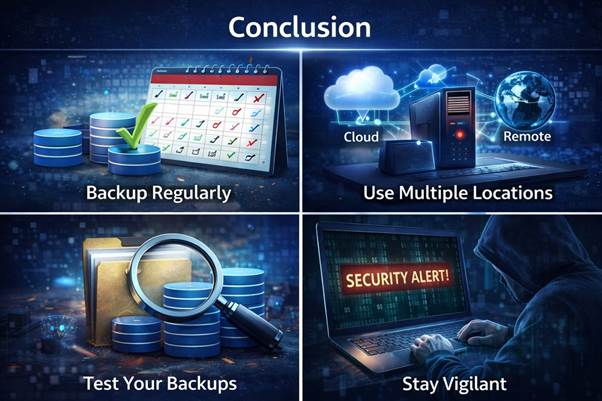
Data backup is a critical component of modern digital life. From personal users to large enterprises, everyone needs a reliable backup strategy. The tools listed in this guide provide a wide range of options for different needs. Whether you prefer cloud-based solutions or local backups, there is a tool for you. Following best practices such as the 3-2-1 rule ensures maximum data safety. Investing in backup solutions protects against data loss, cyber threats, and system failures. As technology evolves, backup systems will continue to improve, offering better security and performance. Choosing the right tool depends on your specific requirements and usage. Start implementing a backup strategy today to secure your data for the future.