10 Most Powerful Web Browsers in 2026 (Market Share, Revenue & Performance Comparison)
Web browsers are the gateway to the internet, and choosing the right one can significantly improve your browsing speed, privacy, and productivity. Over the years, browsers have evolved from simple webpage viewers into powerful platforms with built-in security, synchronization features, AI assistance, and privacy tools.
In 2026, the browser market is still dominated by a few major players, but many innovative browsers now focus on privacy protection, speed optimization, and customization.
This guide explores the 10 most powerful web browsers in 2026, compares their market share, revenue models, performance, and security features, and helps you choose the best browser for your needs.
Global Browser Market Share in 2026
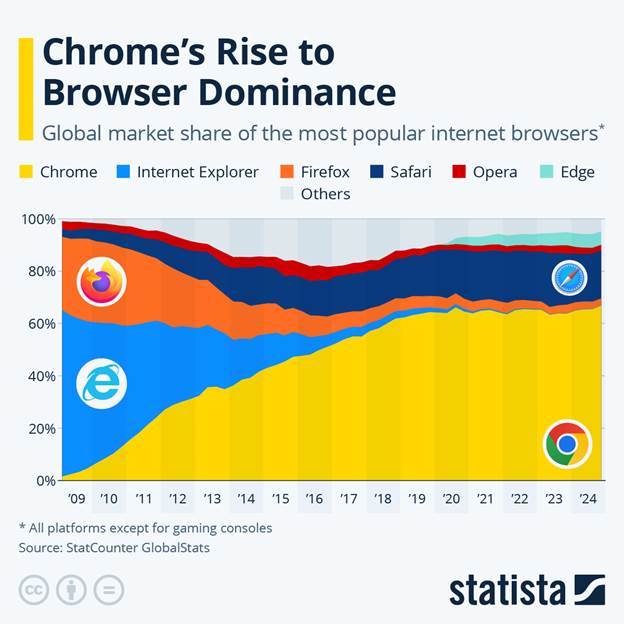
Below is a quick comparison of the most powerful browsers available today.
| Browser | Developer | Engine | Market Share | Best For |
| Chrome | Blink | 65% | Speed & extensions | |
| Safari | Apple | WebKit | 18% | Apple ecosystem |
| Edge | Microsoft | Blink | 6% | Windows integration |
| Firefox | Mozilla | Gecko | 3% | Privacy |
| Opera | Opera Software | Blink | 2% | Built-in tools |
| Brave | Brave Software | Blink | 1% | Ad blocking |
| Vivaldi | Vivaldi Technologies | Blink | <1% | Customization |
| Tor Browser | Tor Project | Gecko | <1% | Anonymous browsing |
| Samsung Internet | Samsung | Blink | 2% | Mobile browsing |
| DuckDuckGo Browser | DuckDuckGo | WebKit/Blink | <1% | Privacy search |
Google Chrome
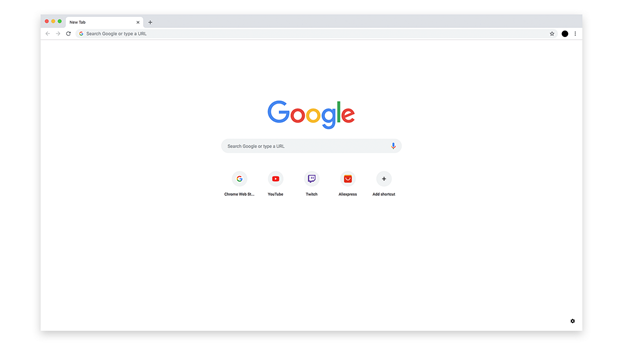
Google Chrome remains the most powerful and widely used browser in the world. Developed by Google, Chrome is built on the Blink rendering engine, delivering fast page loading and excellent compatibility with modern websites.
Key Features
- Massive extension library
- Fast JavaScript performance
- Cross-device synchronization
- Integrated Google services
Revenue Model
Chrome generates revenue primarily through Google search advertising and user traffic data.
Best For
Users who want speed, compatibility, and productivity tools.
Apple Safari
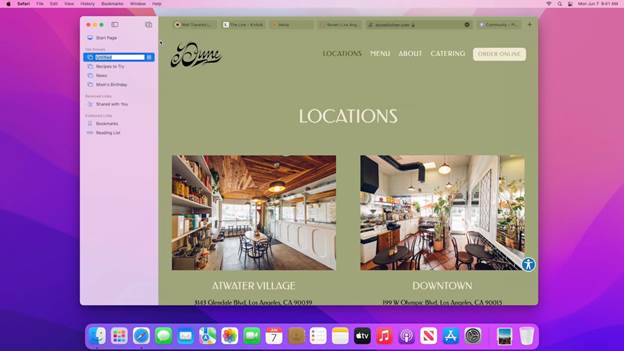
Safari is Apple’s default browser and is optimized for macOS, iPhone, and iPad devices. It focuses heavily on energy efficiency, security, and privacy.
Key Features
- Optimized battery usage
- Intelligent tracking prevention
- Seamless Apple ecosystem integration
- Strong privacy controls
Revenue Model
Safari contributes indirectly to Apple’s ecosystem revenue while earning billions from Google search partnerships.
Best For
Mac and iPhone users who want battery efficiency and privacy.
Microsoft Edge
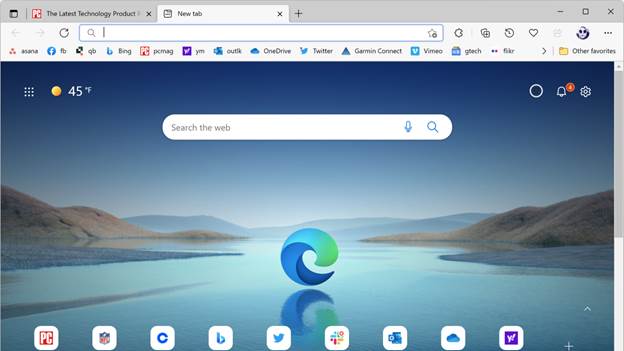
Microsoft Edge has evolved into one of the fastest and most feature-rich browsers. Built on Chromium, Edge offers excellent compatibility while adding productivity tools.
Key Features
- Built-in AI assistant integration
- Vertical tabs
- Reading mode
- Enhanced security
Revenue Model
Edge supports Microsoft’s ecosystem through Bing search, advertising, and enterprise tools.
Best For
Windows users and productivity-focused browsing.
Mozilla Firefox
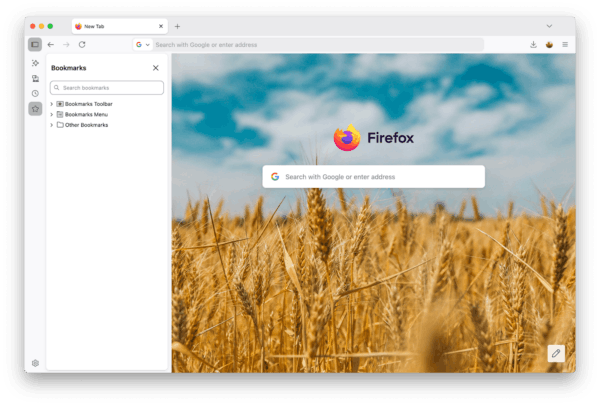
Firefox is one of the few browsers not based on Chromium, making it unique in the browser ecosystem.
Key Features
- Open-source development
- Advanced privacy protection
- Independent Gecko rendering engine
- Strong customization options
Revenue Model
Mozilla earns revenue through search partnerships and donations.
Best For
Users who value privacy and open-source technology.
Brave Browser
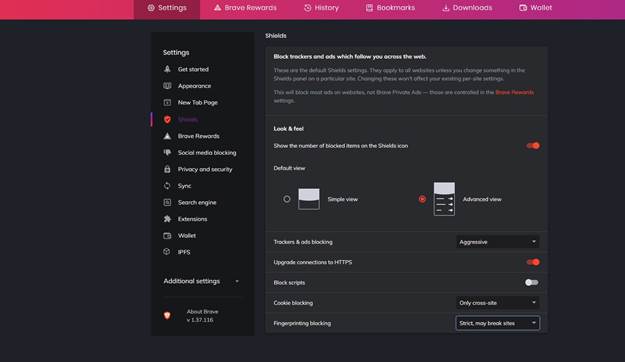
Brave is designed for privacy-focused browsing. It blocks ads and trackers by default, making pages load faster and protecting user data.
Key Features H3
- Built-in ad blocker
- Privacy-first browsing
- Optional crypto rewards
- Tracker blocking
Revenue Model
Brave generates revenue through privacy-friendly advertising and Brave Rewards.
Best For
Users who prioritize privacy and fast browsing.
Vivaldi Browser
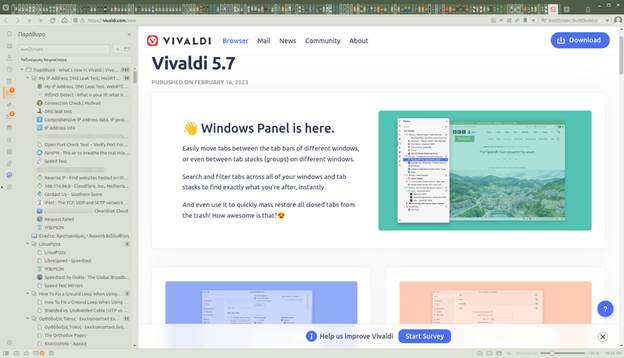
Vivaldi is built for power users who want maximum customization.
Key Features
- Advanced tab management
- Built-in notes and email
- Custom themes and layouts
- Privacy-friendly browsing
Best For
Users who want full control over their browsing experience.
Tor Browser
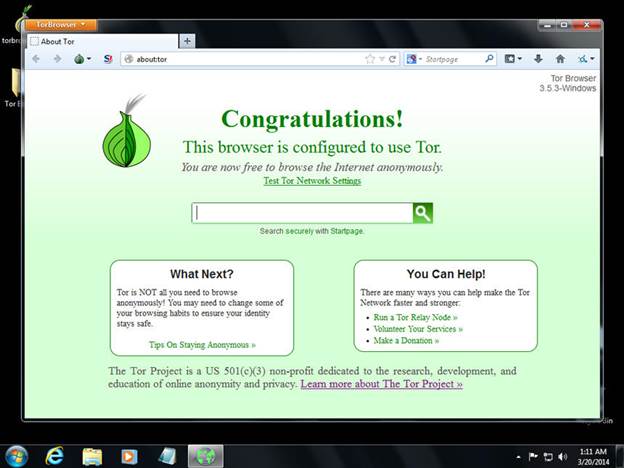
Tor Browser is designed for anonymous internet browsing using the Tor network.
Key Features
- Onion routing
- Strong anonymity
- Anti-tracking protection
- Access to restricted websites
Best For
Journalists, researchers, and users who require maximum anonymity.
Future of Web Browsers

The future of web browsers is shifting toward AI-powered browsing and automation.
Upcoming trends include:
- AI assistants inside browsers
- automated task browsing
- enhanced privacy protection
- integrated productivity tools
Browsers are becoming intelligent digital workspaces rather than simple internet tools.
Browser Security Comparison
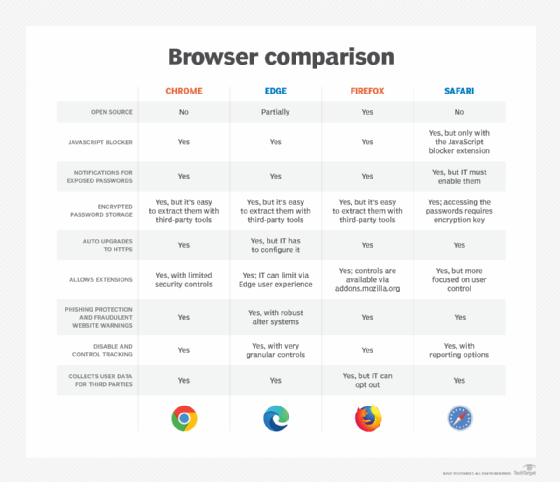
| Browser | Tracker Blocking | Built-in Privacy | Security Level |
| Chrome | Medium | Low | High |
| Safari | High | High | High |
| Edge | Medium | Medium | High |
| Firefox | High | High | High |
| Brave | Very High | Very High | High |
| Tor | Maximum | Maximum | Very High |
Privacy-focused browsers like Brave and Tor provide stronger protection compared to standard browsers.
How Web Browsers Make Money
Web browsers themselves are usually free, but companies earn revenue through other channels.
| Browser | Revenue Source |
| Chrome | Google Ads & search traffic |
| Safari | Apple ecosystem & Google search deal |
| Edge | Bing search & Microsoft services |
| Firefox | Search partnerships |
| Brave | Privacy ads |
| Opera | Ads and partnerships |
Browser Speed Benchmark Comparison (2026)
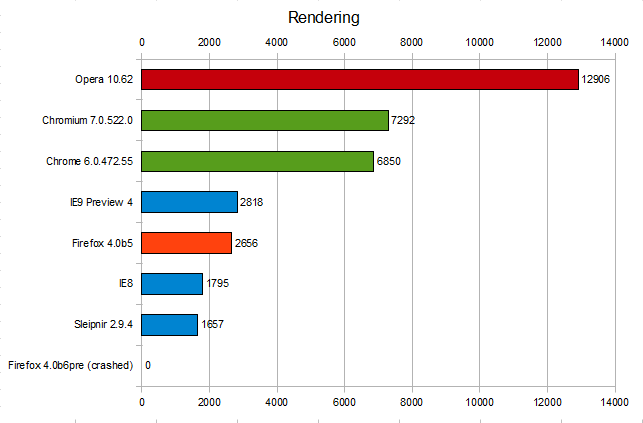
Browser performance is measured using benchmarks such as Speedometer, JetStream, and WebXPRT, which test how quickly a browser processes web applications and scripts.
Below is a simplified performance comparison of the most powerful browsers in 2026.
| Browser | Speed Score | Performance Rating |
| Google Chrome | 9.5/10 | Excellent |
| Microsoft Edge | 9.4/10 | Excellent |
| Safari | 9.3/10 | Excellent |
| Brave | 9.1/10 | Very Fast |
| Firefox | 8.8/10 | Very Good |
| Opera | 8.7/10 | Good |
| Vivaldi | 8.6/10 | Good |
| Samsung Internet | 8.5/10 | Good |
Chromium-based browsers generally perform slightly faster due to their optimized JavaScript engines and modern rendering technologies.
Browser RAM Usage Comparison
RAM usage is an important factor when choosing a browser, especially if you frequently open many tabs.
| Browser | RAM Usage Efficiency |
| Microsoft Edge | Very Efficient |
| Safari | Very Efficient |
| Firefox | Efficient |
| Brave | Moderate |
| Chrome | High Usage |
| Opera | Moderate |
| Vivaldi | Moderate |
Microsoft Edge includes sleeping tabs technology, which reduces memory usage significantly when tabs remain inactive.
Suggested Image Searches
- browser ram usage comparison
- browser memory consumption chart
- browser RAM benchmark graph
- browser memory usage visualization
Pros and Cons of Popular Browsers
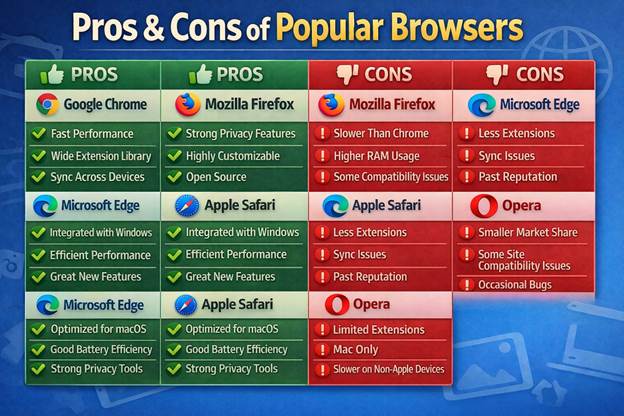
Understanding the strengths and weaknesses of each browser can help you select the right one.
| Browser | Pros | Cons |
| Chrome | Fast, huge extension library | High RAM usage |
| Safari | Battery efficient, secure | Limited extensions |
| Edge | Fast, productive tools | Privacy concerns |
| Firefox | Strong privacy, open source | Smaller extension ecosystem |
| Brave | Built-in ad blocker | Some sites break due to blocking |
| Opera | Built-in VPN and tools | Privacy controversies |
Each browser focuses on different priorities such as speed, privacy, ecosystem integration, or customization.
Best Browser for Different Use Cases
Different users have different browsing needs. Here are the best browsers based on specific use cases.
| Use Case | Best Browser |
| Fastest browsing | Chrome |
| Best privacy | Brave / Tor |
| Best for Windows | Edge |
| Best for Apple devices | Safari |
| Best customization | Vivaldi |
| Best open-source | Firefox |
Choosing the right browser depends on your device ecosystem, security preferences, and performance needs.