File Compression Technologies: Complete Guide to Data Optimization
File compression technologies are a fundamental part of modern computing systems. Every digital device—from personal computers and smartphones to enterprise servers and global data centers—handles enormous volumes of information daily. Documents, images, software packages, and multimedia files must all be stored and transferred efficiently. Without compression technologies, the amount of storage space and bandwidth required to manage this data would be dramatically higher.
Compression is the process of reducing the size of digital files by representing information in a more efficient form. Instead of storing repeated patterns of data multiple times, compression algorithms analyze the structure of the file and replace recurring sequences with shorter representations. This process allows computers to store the same information while using less disk space and network bandwidth.
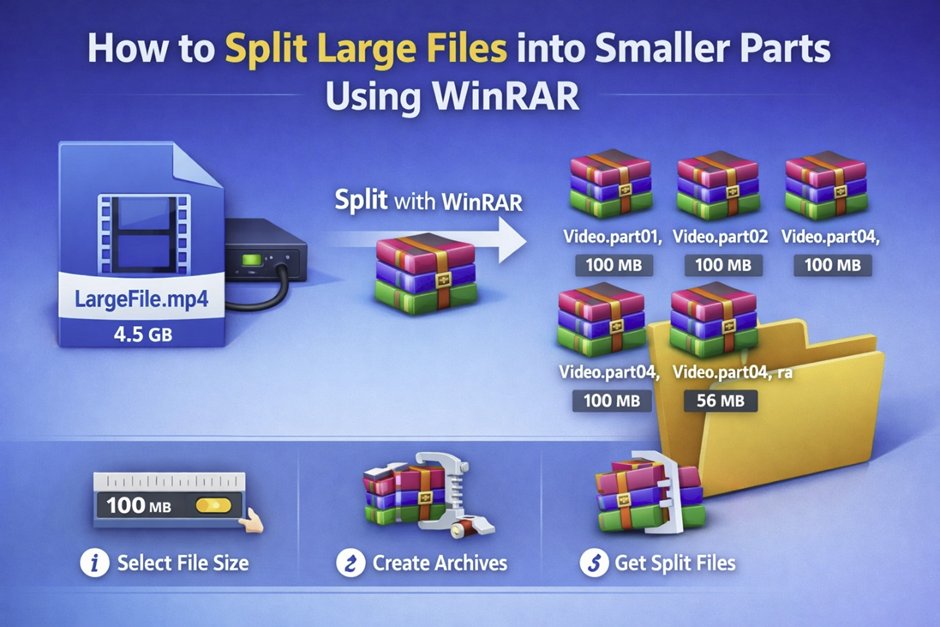
Operating systems such as Windows, Linux, MacOS, and Android include built-in compression capabilities that simplify file management for users. These tools allow files to be packaged into compressed archives such as ZIP, TAR, or 7Z, making them easier to share and store.
Major technology companies such as Microsoft, IBM, Google, HP, and Oracle rely heavily on compression technologies in their software platforms and cloud infrastructure. Data centers that store billions of files use compression to reduce storage costs and improve network performance.
Hardware improvements have also improved compression performance. Modern Intel processors provide powerful computing capabilities and specialized instructions designed to accelerate compression and decompression tasks. High amounts of RAM allow systems to process large datasets quickly during compression operations.
Compression technologies are also essential in emerging fields such as Artificial Intelligence, machine learning, and big-data analytics. AI models rely on extremely large datasets, and compression techniques make it possible to store and process this data efficiently.
As digital information continues to grow at an unprecedented rate, file compression technologies remain one of the most important tools for efficient computing infrastructure.
History of File Compression Technologies
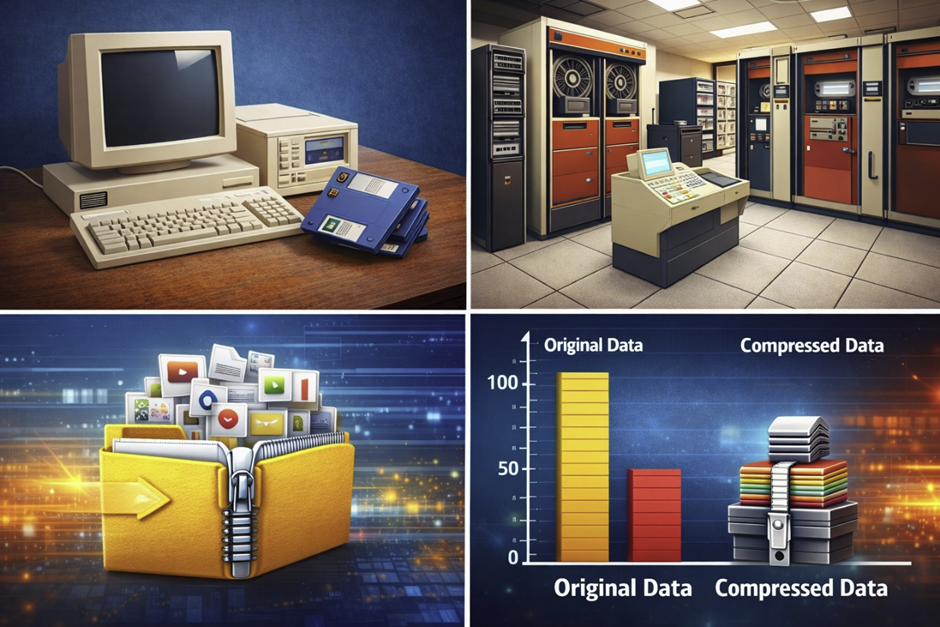
The development of file compression technologies is closely connected to the evolution of digital storage systems. Early computers had extremely limited storage capacity. Punch cards, magnetic tapes, and floppy disks were commonly used to store data, and these devices could hold only small amounts of information.
Large enterprise systems built by IBM were among the first to encounter large-scale data storage challenges. Businesses began generating increasing volumes of digital records, financial transactions, and operational information. Engineers needed ways to store and process this information efficiently without constantly expanding expensive storage infrastructure.
Early Research in Data Encoding
Researchers started experimenting with mathematical techniques to represent data more efficiently. Early encoding systems aimed to eliminate redundancy in data streams and reduce storage requirements.
Personal Computing Revolution
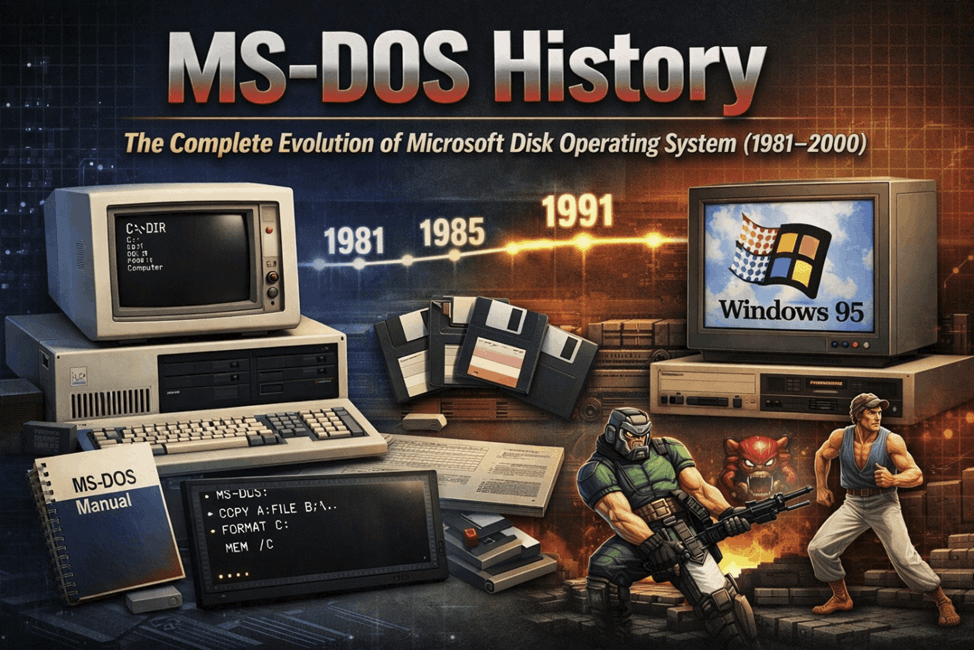
When personal computers became popular in the 1980s and early 1990s, compression tools became widely available. Systems running Microsoft Windows introduced utilities that allowed users to compress files into ZIP archives. This made it easier to distribute software and share files through disks and early networks.
Compression and the Internet
As internet usage expanded in the 1990s, compression became essential for transferring files across slow network connections. Compressed files reduced download time and improved efficiency when sharing large software packages or multimedia files.
Modern Compression Systems
Today compression technologies are integrated into operating systems including Linux, MacOS, Windows, and Android. Modern algorithms allow computers to compress gigabytes of data within seconds.
How File Compression Works
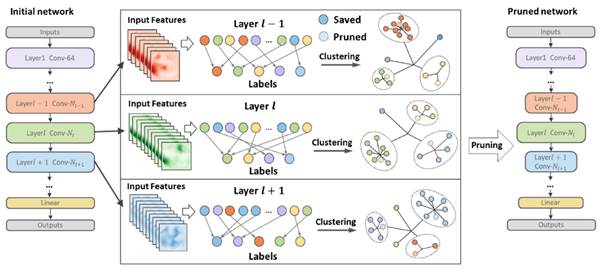
File compression works by analyzing digital data and identifying patterns that can be encoded more efficiently. Many files contain repeated sequences of characters or binary values. Compression algorithms detect these patterns and replace them with shorter references.
Pattern Detection
Compression algorithms begin by scanning the data to locate repeating sequences. When identical patterns appear multiple times, they are stored once and referenced later in the file.
Data Encoding
After patterns are identified, encoding techniques convert the data into a more compact representation using fewer bits.
Compression and Decompression
When a compressed file is opened, decompression algorithms reconstruct the original data from the compressed representation.
Hardware Acceleration
Modern systems equipped with powerful Intel processors and large RAM capacities can perform compression operations extremely quickly.
Hybrid Compression Methods
Many modern tools combine several algorithms to achieve better compression ratios and faster processing.
Lossless vs Lossy Compression
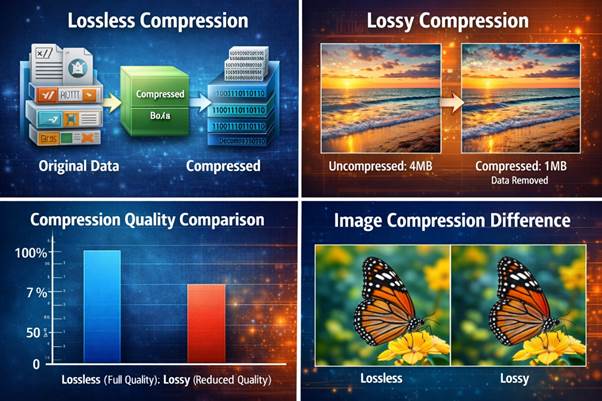
Compression methods generally fall into two categories: lossless and lossy compression.
Lossless Compression
Lossless compression preserves all data. When the file is decompressed, it returns exactly to its original state. This method is used for software packages, databases, and documents such as PDF files.
Lossy Compression
Lossy compression removes some data that may not significantly affect the perceived quality of the file. This approach is commonly used for images, audio, and video.
Choosing the Right Method
Lossless compression is preferred when accuracy is critical, while lossy compression is used when smaller file sizes are more important than perfect data reconstruction.
Advantages of File Compression
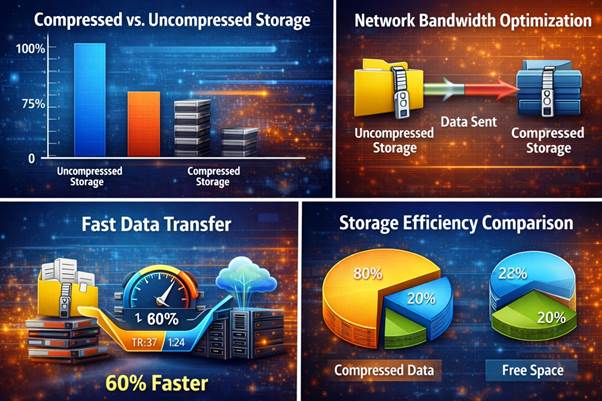
File compression offers many advantages for both individuals and organizations.
Reduced Storage Requirements
Compressed files require less disk space, allowing systems to store more information.
Faster Data Transfers
Smaller files move faster across networks, improving download speeds.
Efficient Cloud Storage
Large cloud platforms operated by Google, Microsoft, and Oracle rely on compression to store massive volumes of information efficiently.
Simplified Backup Systems
Compression allows multiple files to be packaged into a single archive for easier backups.
Improved Application Performance
Reduced file size can improve application loading times and system responsiveness.
Common File Compression Algorithms
Huffman Coding
Assigns shorter codes to frequently used values.
Lempel-Ziv Algorithms
Detect repeating sequences and replace them with references.
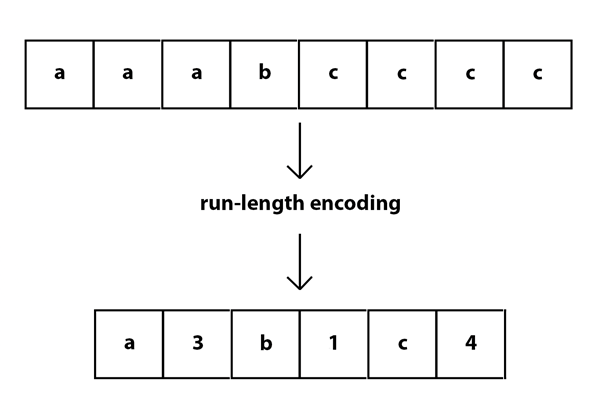
Run-Length Encoding
Compresses repeated values by storing a single value and count.
Popular File Compression Formats
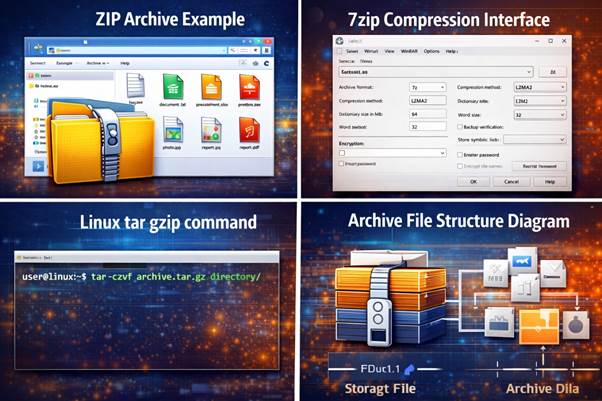
ZIP Format
Supported across Windows, MacOS, and Linux.
RAR Format
Offers strong compression ratios.
7Z Format
Known for advanced compression capabilities.
TAR and GZIP
Commonly used in Linux systems.
Compression Tools and Software
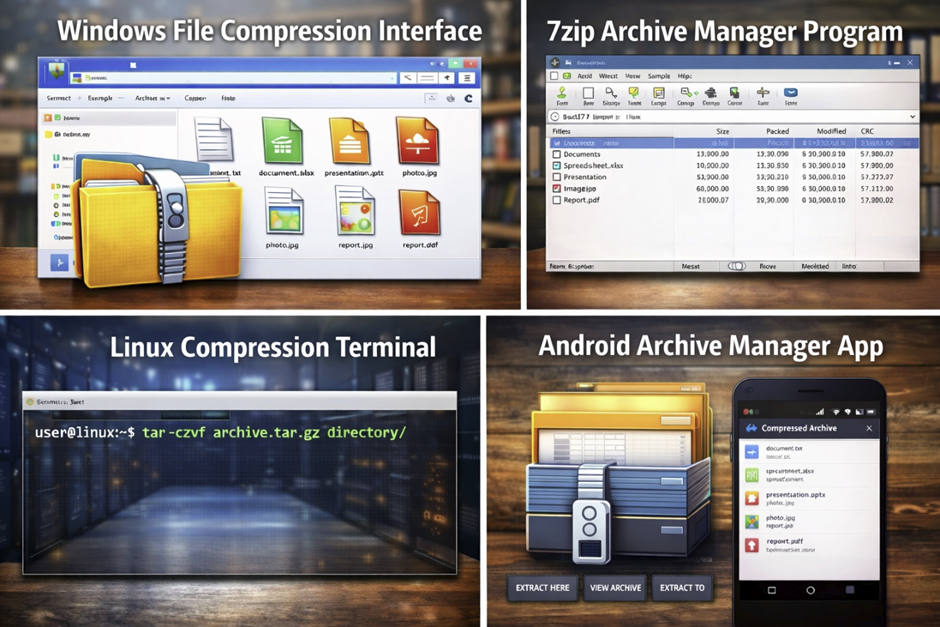
Modern systems provide several tools for managing compressed files.
Microsoft Windows includes built-in ZIP compression in File Explorer.
Linux systems use tools such as gzip, tar, and bzip2.
Mobile devices running Android support compressed files through file manager apps available on Google Play.
Enterprise Compression Solutions
Companies such as IBM, HP, and Oracle provide enterprise-level compression tools designed for large data centers.
File Compression in Cloud Computing
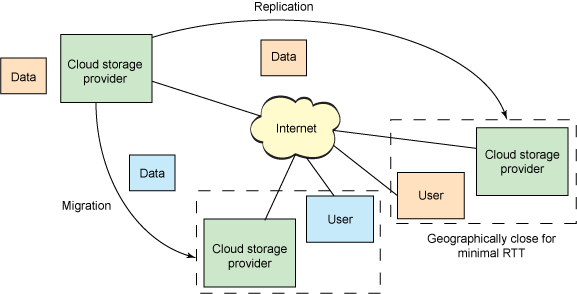
Compression technologies are critical in modern cloud computing infrastructure. Data centers store enormous amounts of information, and compression helps reduce storage requirements and improve efficiency.
Data Transfer Optimization
Compressed files require less bandwidth during transmission.
Storage Efficiency
Compression allows cloud systems to store more data on the same hardware.
Scalable Infrastructure
Cloud providers rely on compression to scale storage systems efficiently.
Compression and Artificial Intelligence
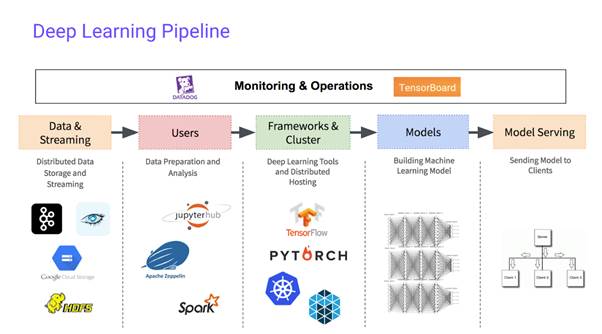
Modern Artificial Intelligence systems rely on extremely large datasets.
Efficient Dataset Storage
Compression allows AI datasets to be stored in smaller formats.
Faster Training Pipelines
Compressed datasets can be transferred quickly between computing nodes.
AI-Driven Compression
Researchers are developing AI-based compression algorithms that adapt to different types of data.
The Future of File Compression Technologies

Future compression technologies will likely combine artificial intelligence with specialized hardware acceleration.
Modern Intel processors already include instructions designed to speed up compression tasks. Future computing systems may include dedicated compression hardware capable of processing enormous datasets in real time.